




How to adjust your columns in Clari
Open the Actions drop-down in the upper right of the Opportunities Module, and click Configure Columns to adjust which columns you see in Opportunities, and to change their order.
The Configure Columns pop-up modal will look something like this:
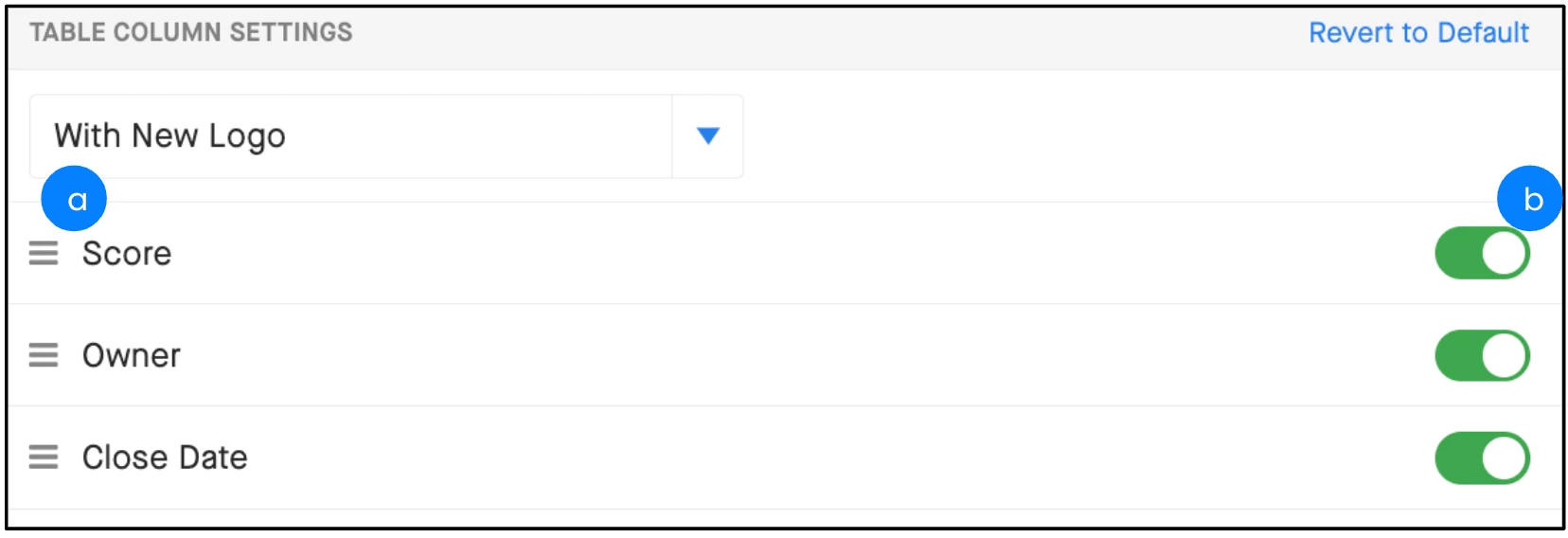
b. Click and hold to drag and drop columns in the order you want.